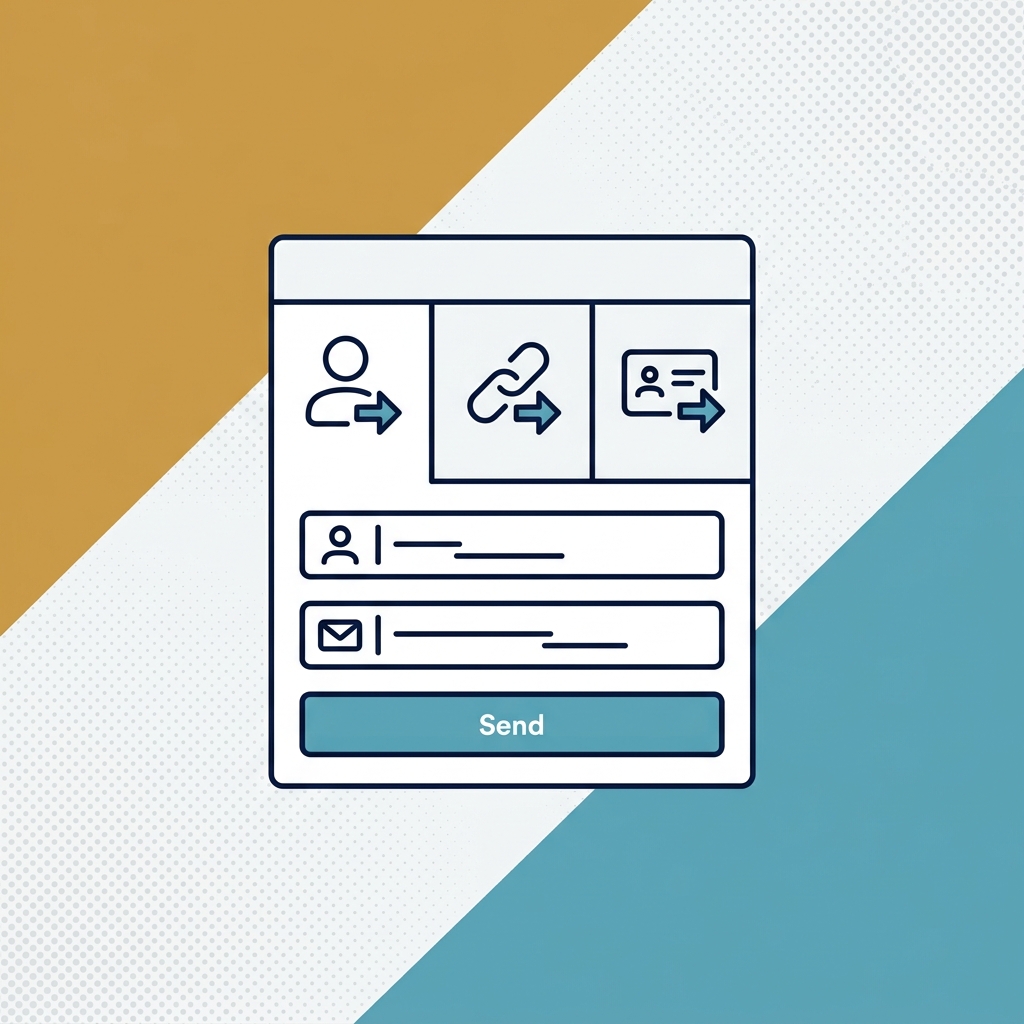
This video shows how to assign roles in Supercrew (ConstructionClock) to control what each employee can do. It covers the default roles, custom permissions, and the payroll admin role.
This video demonstrates...
- What roles do: they let owners define the permissions and exactly what each employee can do in the platform.
- What the default roles are: Labor, Supervisor, and Manager, each with its own set of permissions.
- How to assign or change an employee's role at any time.
- How permissions can still be customized on or off for an employee after a role is chosen.
- What the payroll admin role is for: a bookkeeper who can review and export timesheets from the web app only, without clocking in or out.