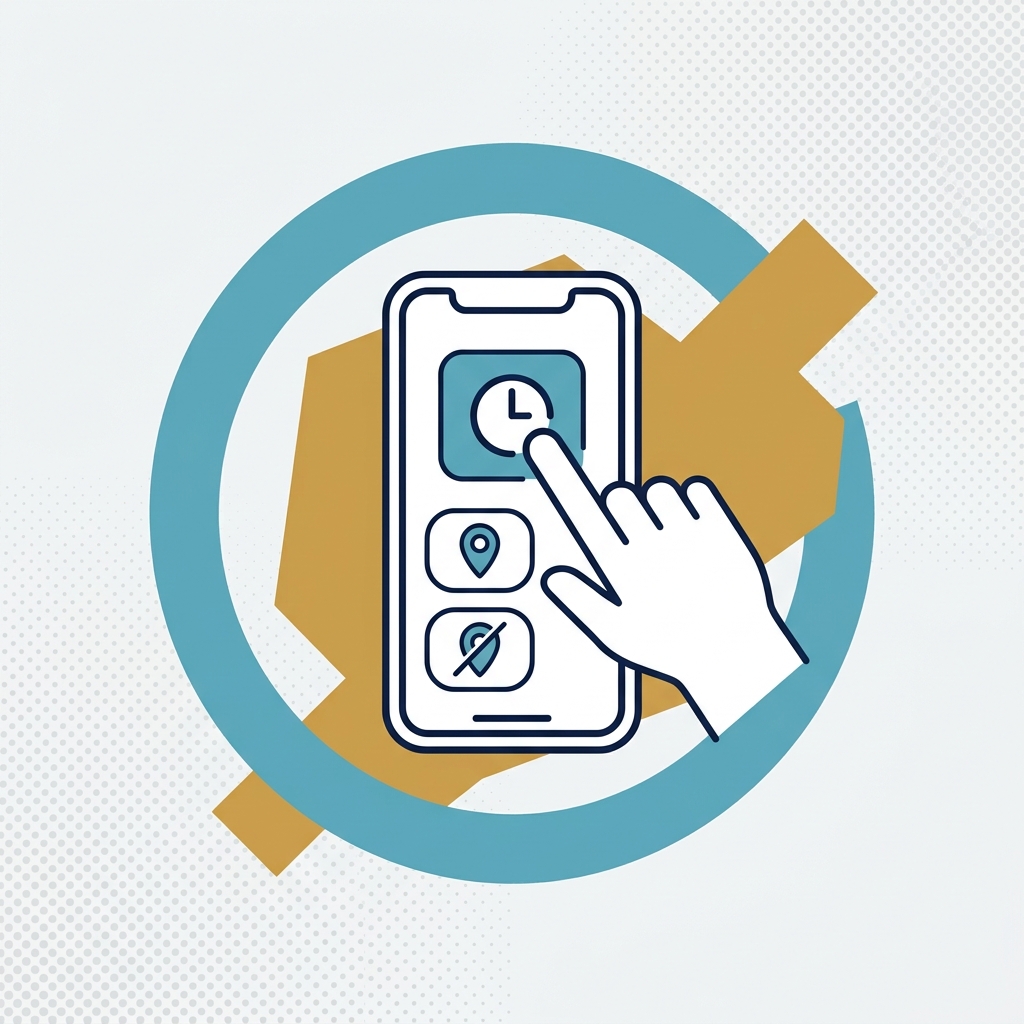
AutoClock is for crews that know in advance where their job sites are. This video explains how it tracks time hands-free once an owner or manager has set up the job sites.
This video demonstrates...
- How owners and managers set up AutoClock by creating jobs and customizing each job's site radius.
- How workers are clocked in and out automatically as they enter or leave a job's site radius, without ever using the app.
- How AutoClock can be turned on for the whole company or for specific workers.
- What AutoClock needs to work: location and motion permissions, which are used only for time tracking.
- How AutoClock runs during the worker's working schedule, keeps tracking if they stay clocked in after it ends, and offers extended clock-in hours for early starts or late finishes.