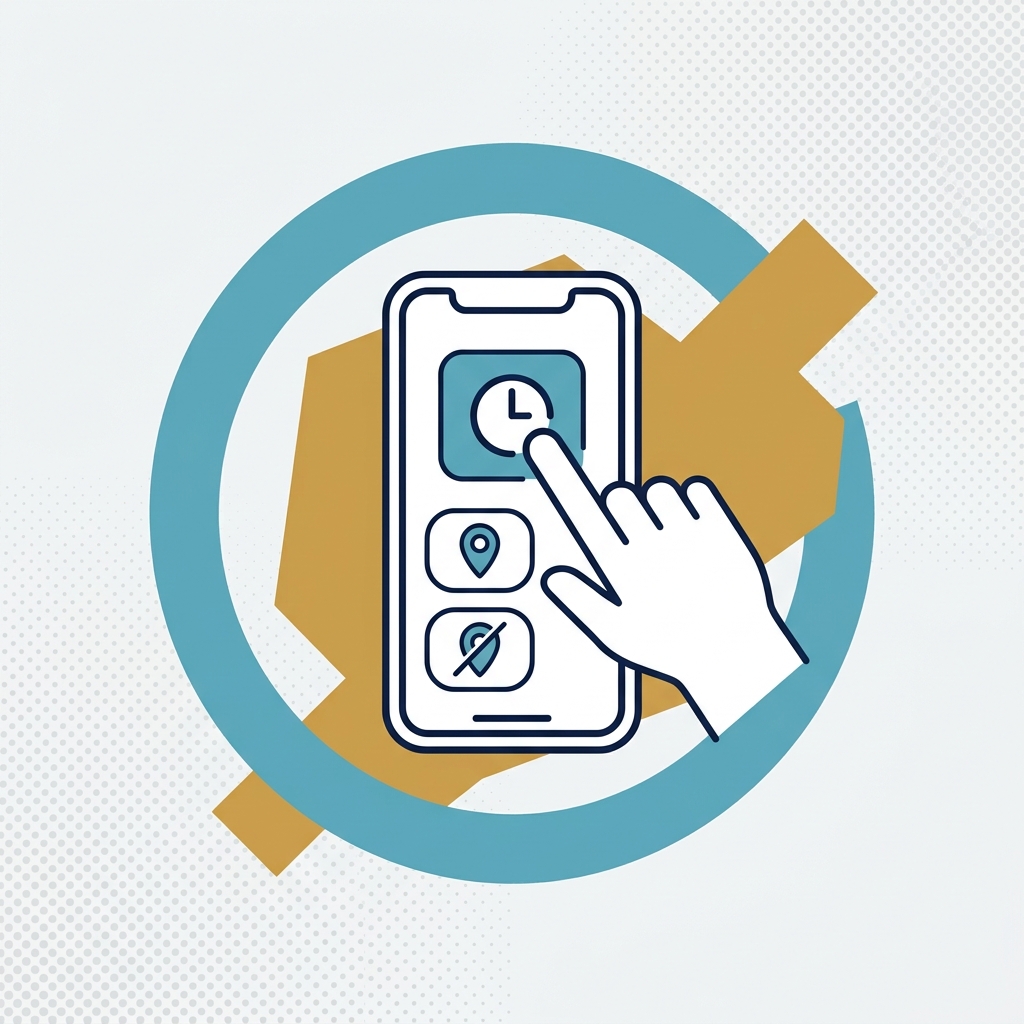
This video explains how to stop AutoClock or SuperClock for the day if you finish early or need to run a personal errand. It pauses location tracking until your next working day, or until you resume it.
This video demonstrates...
- What stopping for the day does: it pauses location tracking until your next working day or until you choose to resume it.
- What stops on each method: AutoClock and SuperClock will not clock you into existing jobs or record travel time. SuperClock will not create new jobs, track your live location or store your route history. There will be no time entries on your timesheet when tracking is stopped.
- How to stop tracking whether you are currently clocked in or already clocked out.
- When the option is available: daily before or during your scheduled working hours. It is not required at the end of the day, since tracking already stops when working hours have ended.
- Why each worker must manually STOP TRACKING themselves: owners and managers cannot stop it for others, though they are notified when someone does.